Domain Registrar Transfer Guide for Small Business Websites: 9 Checks Before You Move Your Domain in 2026

A domain transfer feels like a billing change until the wrong thing breaks. Your website can go offline, email can stop receiving messages, a launch can miss its date, or the person who owns the login can discover too late that the domain is locked.
The core rule is simple: a domain registrar transfer is not just moving a name from one account to another. It is a change to the company that controls your domain registration, transfer lock, renewal, registrant contact, and sometimes DNS. For a small business, that makes it an operations decision, not a cosmetic cleanup task.
This domain registrar transfer guide is for website owners who want to move a domain safely before changing hosting, leaving a website builder, consolidating renewals, or improving DNS control. It is based on official registrar and ICANN documentation, not a simulated transfer test.
Disclosure: SK Web Pages is an independent editorial site. Some provider links may be affiliate links, but our recommendations are based on source-backed fit checks, not paid placement. Read our editorial policy and about page for how we review website, domain, and hosting tools.
Domain Registrar Transfer Guide: Start With Eligibility
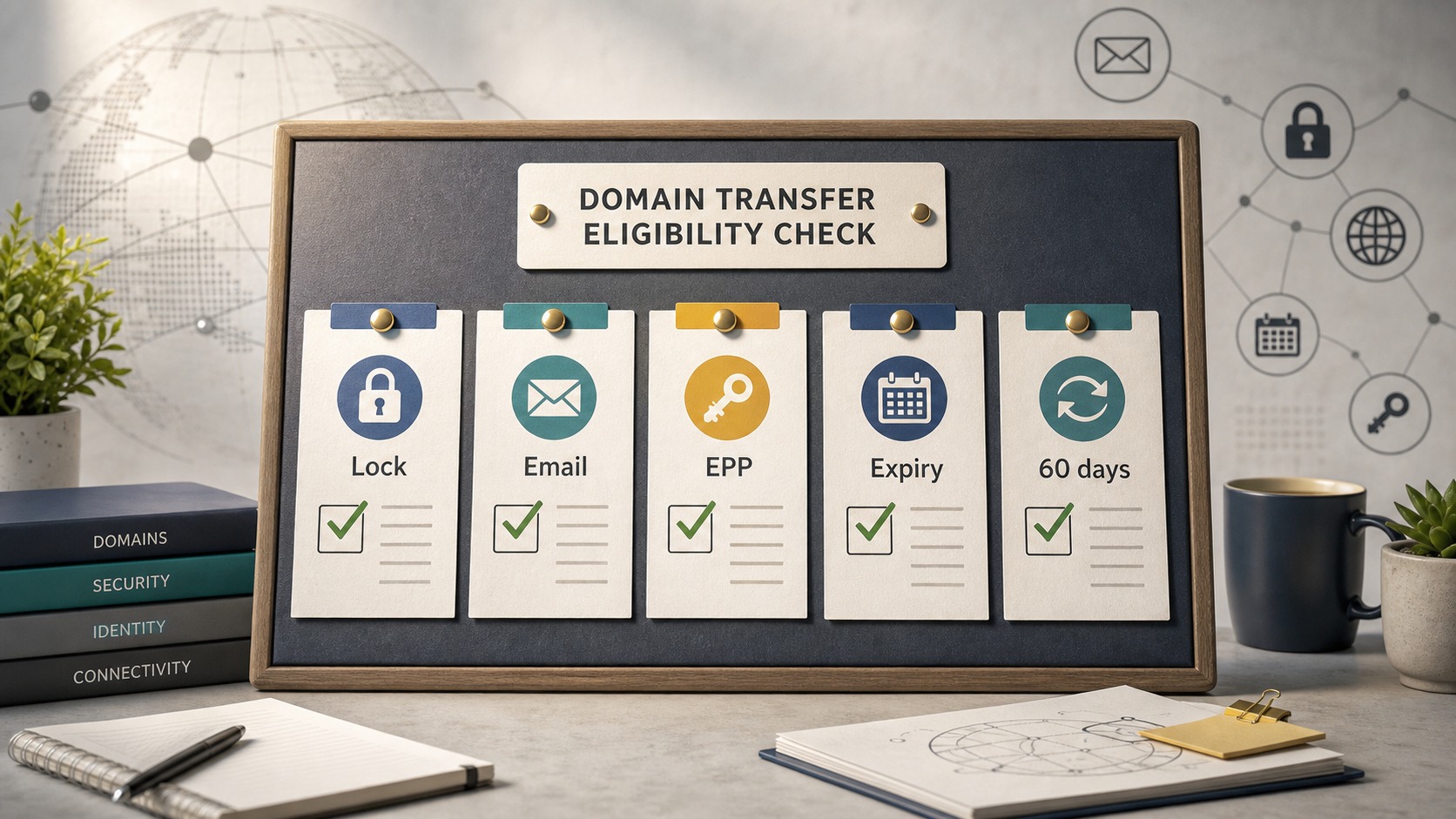
Before choosing a new registrar, check whether the domain can move at all. Most failed transfer plans start here.
ICANN explains that a domain transfer normally depends on authorization from the registrant or administrative contact, and the current registrar must provide the AuthInfo code within five calendar days of a request. That code is also called an EPP code, authorization code, transfer code, or auth code depending on the registrar.
A practical eligibility check should cover:
| Check | Why it matters |
|---|---|
| Domain age | Some domains cannot transfer soon after registration or a previous transfer. |
| Transfer lock | The domain usually must be unlocked at the current registrar. |
| Auth code access | You need the transfer code before the receiving registrar can proceed. |
| Registrant email | Approval messages and codes may go to the registrant contact. |
| Expiration date | A near-expiring domain can create renewal and failure risk. |
| Recent contact changes | Changes to registrant name, organization, or email can trigger transfer locks. |
GoDaddy's transfer-away documentation, for example, asks users to unlock the domain and retrieve an authorization code, which can also be sent to the registrant email. Cloudflare's registrar documentation tells users to confirm the domain was registered at least 60 days ago, has not been transferred in the last 60 days, and has not had certain registrant contact changes in the last 60 days.
The exact rule can vary by TLD and registrar, so do not treat a generic checklist as final authority. Use this article to know what to ask, then confirm the current rule inside your registrar dashboard before submitting payment.
Map DNS, Email, and Hosting Before You Touch the Transfer Button

A registrar transfer does not automatically mean your website hosting changes. It also does not automatically mean your DNS hosting changes. That distinction is where many small business transfers become messy.
Your registrar is the company that manages the domain registration. Your DNS provider controls records such as A, CNAME, MX, TXT, SPF, DKIM, DMARC, verification records, and subdomains. Your website host serves the actual site. Your email provider handles mailboxes and routing. Sometimes one company does all of this. Sometimes four companies are involved.
Before you transfer, export or screenshot:
- Current nameservers
- DNS zone records
- MX records for email
- SPF, DKIM, and DMARC records
- Website host records
- Subdomain records
- Verification records for Google Workspace, Microsoft 365, Search Console, payment providers, and marketing tools
This matters even when the transfer itself succeeds. If the new registrar changes nameservers or does not copy DNS records, the domain may point to the wrong place. If MX records are missing, email can fail even while the website stays online.
If you are still selecting your website platform, read our website builders guide first. If your next move involves a CMS-backed website, compare the platform implications in our CMS website builders guide.
Choose the Receiving Registrar by Workflow, Not First-Year Price
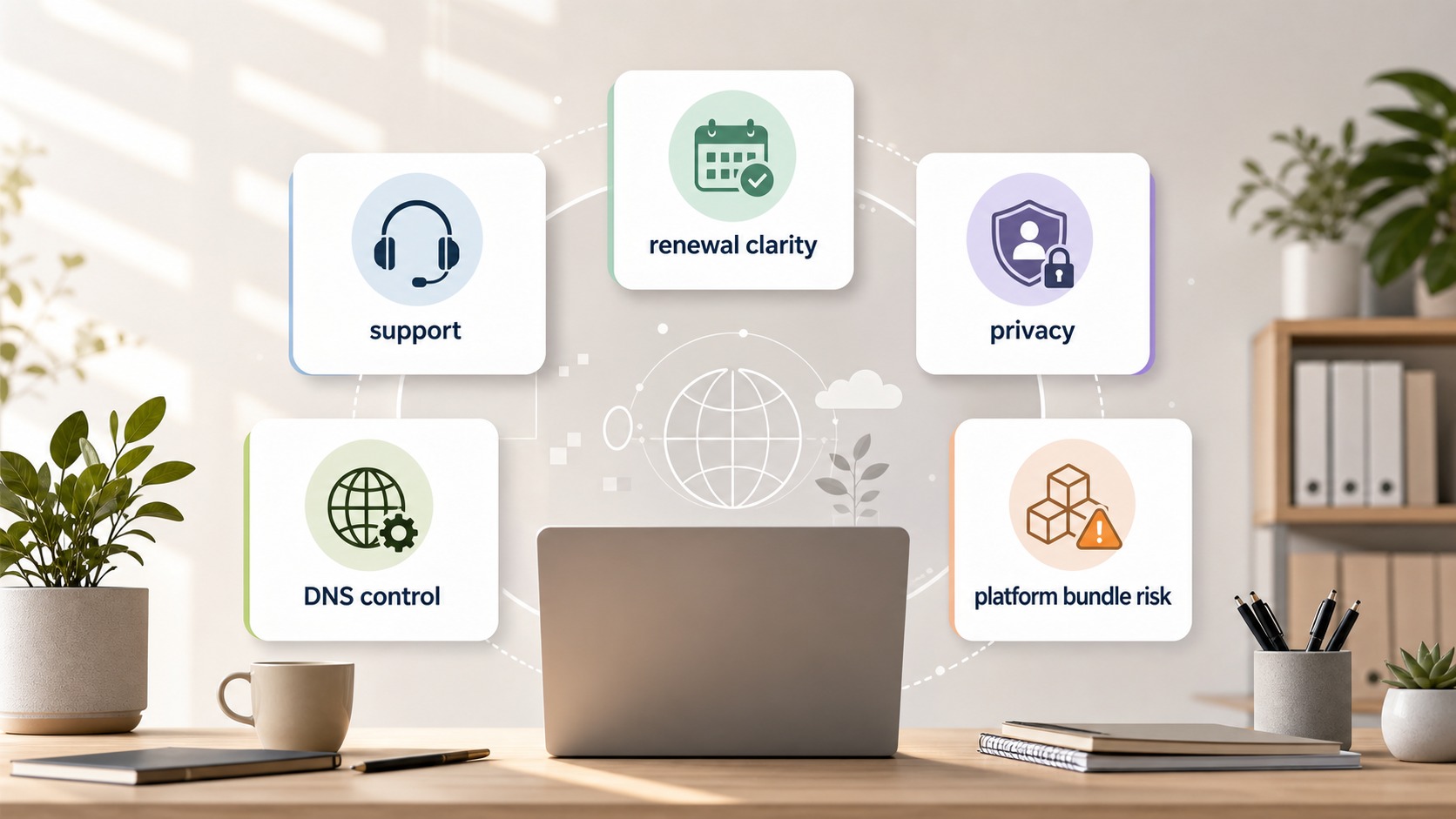
The cheapest first-year transfer is not always the best registrar for a business domain. A small business should judge registrar fit by how the domain will be managed for the next several years.
Use these fit checks:
| Registrar factor | What to inspect |
|---|---|
| Renewal clarity | Is the renewal price obvious before checkout? |
| DNS control | Can you manage DNS records cleanly, or will you use another DNS provider? |
| Privacy | Is WHOIS privacy included, paid, unavailable, or TLD-dependent? |
| Support path | Is support available when a launch or email issue is urgent? |
| Security | Does the account support strong login protection and transfer locks? |
| Platform constraint | Is the domain bundled with a website builder, store, or hosting plan? |
| Bulk management | Can an agency manage multiple client domains without confusion? |
Namecheap's transfer documentation is useful for understanding a common small-business workflow: unlock the domain, confirm contact details, get the transfer code, and submit it to the receiving registrar. GoDaddy's documentation is useful if the domain is leaving a large retail registrar. Cloudflare's documentation is especially important if the goal is to consolidate DNS and security tooling, because Cloudflare may require the domain to be active on Cloudflare before the transfer can proceed.
Do not move a business-critical domain just because the checkout page looks cheaper today. Compare renewal, DNS, support, and lock behavior.
Watch Platform Registrar Constraints
Some businesses bought their domain through the same platform that hosts their website. That can be convenient at launch, but it can complicate transfers later.
Cloudflare's transfer documentation notes that some commerce and site-building platforms, including Shopify, Block, and Wix, may not allow nameserver changes while the domain is registered there. Because Cloudflare requires the domain to be active on Cloudflare before transfer, its workaround may involve transferring first to another registrar that allows nameserver changes, then waiting before transferring again.
That is not a reason to avoid all platform-registered domains. It is a reason to check constraints before a redesign, rebrand, or hosting migration.
If your domain sits inside a website builder account, ask:
- Can I unlock the domain myself?
- Can I see and copy the authorization code?
- Can I change nameservers before transferring?
- Will changing contact details trigger a transfer lock?
- Is the domain tied to a bundled annual plan?
- What happens to email records if I cancel the website plan?
This is especially relevant for owners comparing all-in-one builders. Our Squarespace review and Squarespace vs Webflow comparison explain why domain ownership, migration constraints, and support paths should be part of the website platform decision.
A Safe Domain Transfer Sequence
For most small business domains, the safest transfer sequence looks like this.
Confirm who owns the domain account.
Make sure the owner, founder, or responsible operator can log in. Do not start with an agency-only login unless ownership is clear.Check the expiration date.
If the domain is close to expiring, consider renewing first. Cloudflare warns that recently expired and renewed domains may need extra timing care, and transfer timing can affect renewal-year handling.Export DNS and email records.
Save the full DNS zone before making changes. Email records are especially important.Confirm registrant email access.
Authorization and approval emails may go to the registrant email. If that mailbox is stale, fix access before requesting transfer.Avoid unnecessary contact changes.
Changing registrant name, organization, or email can trigger a lock at some registrars. If you must update ownership details, check whether that delays transfer.Unlock the domain.
Most transfers require the domain to be unlocked at the current registrar.Request or copy the auth code.
ICANN says the registrar must provide the AuthInfo code within five calendar days of the request. Some registrars show it in the dashboard.Start the transfer at the new registrar.
Enter the domain, provide the code, review fees and renewal details, and approve required emails.Keep the old account active until everything resolves.
Do not cancel hosting, email, or old DNS services until the website, email, subdomains, and verification records are confirmed working.
This is not glamorous work. It is the kind of operational checklist that prevents expensive downtime.
When You Should Wait Instead of Transferring
A domain transfer is often useful, but timing matters. Wait if any of these apply:
- The domain expires very soon and renewal is uncertain.
- You just registered or transferred the domain.
- You recently changed registrant contact details.
- The current owner cannot access the registrant email.
- You do not have a DNS backup.
- Your launch, email migration, or rebrand is happening this week.
- The domain is bundled inside a website builder plan and you have not checked nameserver rules.
- A payment, ad account, analytics, or verification system depends on DNS records you have not documented.
The safest transfer window is boring: no launch week, no expiration panic, no disputed ownership, no unclear email setup, and no mystery DNS records.
Registrar Fit Notes for Small Businesses
GoDaddy can be a practical source registrar to understand because many small businesses already have domains there. If you are transferring away, its official support flow shows the importance of unlocking the domain and retrieving the authorization code.
Namecheap is often considered by small businesses that want a retail registrar workflow with straightforward transfer instructions. Its documentation is useful for understanding the transfer steps and pre-transfer checks.
Cloudflare Registrar is relevant when DNS, CDN, and security tooling are part of the decision. It can be attractive for operators who already use Cloudflare, but its transfer prerequisites require careful review, especially if the domain currently sits inside a platform that limits nameserver changes.
Website-builder registrars such as Squarespace, Wix, or Shopify can be convenient for non-technical owners. The tradeoff is that the domain can become part of a broader platform migration. If your future plan includes moving hosting, CMS, email, or DNS separately, check transfer and nameserver rules early.
There is no single registrar fit for every business. The right choice depends on who will operate the domain, how technical the team is, how important DNS control is, and whether you want domain registration separated from website hosting.
FAQ
How long does a domain registrar transfer take?
Many registrar transfers complete within several days, but timing varies by TLD, registrar, approval flow, and whether the losing registrar releases the domain promptly. Cloudflare says most registrars process transfers within about five business days after submission, with some TLDs taking longer.
Will transferring a domain break my website?
The transfer itself should not break the website if nameservers and DNS records remain correct. Problems usually happen when DNS records are not copied, nameservers change unexpectedly, email records are missing, or the old DNS service is cancelled too early.
What is an authorization code or EPP code?
It is the transfer code issued by the current registrar to authorize moving the domain to another registrar. ICANN calls it an AuthInfo code. Different registrars may call it an EPP code, auth code, transfer code, or authorization code.
Should I transfer my domain before changing website builders?
Usually, plan both moves together but do not stack risky changes on the same day. If you are moving from a platform that controls both website and domain, first confirm nameserver access, DNS export options, email records, and whether a transfer lock applies.
Can I transfer a domain right before it expires?
It is safer not to. If the expiration date is close, renew first or confirm the registrar's transfer and renewal handling. A failed or delayed transfer near expiration can create avoidable business risk.
Sources
- ICANN: FAQs for Registrants: Transferring Your Domain Name
- GoDaddy: Transfer my domain away from GoDaddy
- Namecheap: How to transfer a domain from GoDaddy
- Cloudflare Registrar: Transfer your domain to Cloudflare
- TechRadar: How to transfer a domain name — used only as background reading because it is older than six months.
Final Verdict
Move the domain only after you can explain the whole path: who owns it, where DNS lives, where email routes, whether the domain is unlocked, where the auth code goes, and what the new registrar will manage. A clean transfer is not the fastest checkout. It is the one where the website and email still work the next morning.